September19
On arrival at Waitaki Valley School at the beginning of Term 2 I was met with 30 Chromebooks in their boxes. These were quickly taken out of the boxes, set up our system and ready to go!!
But . . . it’s not always that easy – how do you integrate them in meaningful ways within the classroom? They started off by being used as additional machines for what I refer to as the consumable user (not the creative thinker!!) – for the likes of Mathletics and other interactive websites.
My teachers have been very receptive to their use though and are now using them alongside Hapara in order to have students creating and responding to each other’s work through Google docs. This has quickly become a wonderful way to engage previously disengaged writers.
30 iPads and 30 Chromebooks (as well as a number of PCs) seemed adequate to me for our little school of 110, however the demand for the Chromebooks as a teaching and learning tool is quickly increasing over our Yr 3- 8 classes.
I’ve spent a bit of time recently looking at the various ways that we can continue to use the Chromebooks in valuable ways to increase learning opportunities.
Here’s a few things I have come across:
- Google overview and educational apps for chromebooks here
- NZ Chromebook Classroom on You Tube

Google Classroom on You Tube
- Benefits of Chromebooks
- Kathy Schrock’s Guide to Chromebooks – Kathy has been around for years!!! I remember referring to her site when I was studying at the turn of the century!! Some really good background information, as well as tips and tutorials, links to classroom practice and international sites
July13
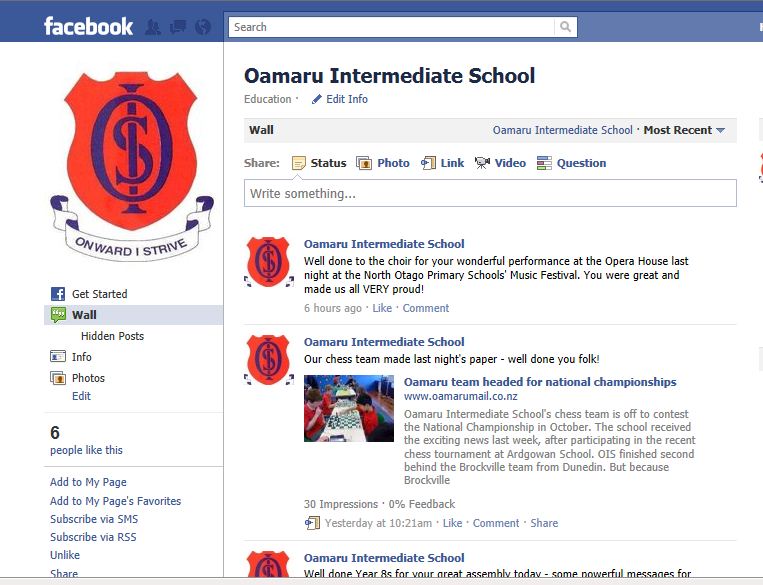
How are you using Facebook in your school? I’ve just started a Facebook page for school. It has been an interesting exercise as it is much more complex than just setting up your own profile. I have discussed it with our BOT, have spoken with teachers and support staff about the importance of protecting their own ‘personal identities’ and am about to launch it in the newsletter tomorrow. The idea of it is that it will be a page where the school community will be updated with happenings as well as reminders about upcoming events. Have a look . . . like it and follow the world of OIS! I’d be keen to get your feedback and know what you think!
October2
Our ‘It Takes a Whole Village to Educate a Child’ Conference has a wiki available where many of the presenters slideshows, handouts, wikis and blogs are available for you to have a look over.
Enjoy – peruse the workshops you didn’t go to and look further into the ones you did.
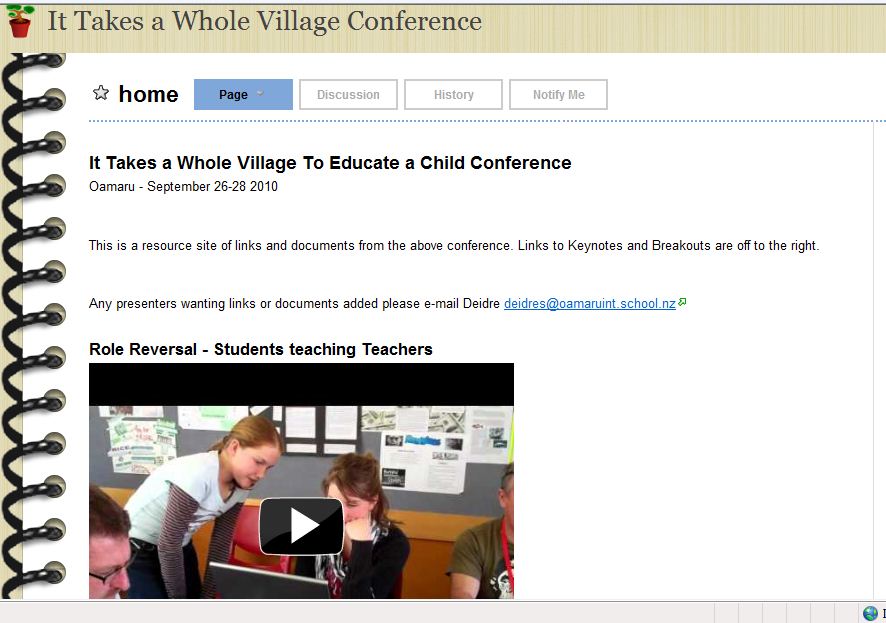
It Takes a Whole Village to Educate a Child - Oamaru Conference 2010 - Wiki link here.
March4
http://oamaruint.edublogs.org
This is a blog that I have started with a group of students at my ‘new school’ – Oamaru Intermediate. Through this blog we are looking to celebrate the students’ literacy skills (written, oral and visual) and keep the community (and beyond) up to date with the happenings in our school. We meet once and week, and in between the sessions the students are now looking for many opportunities to plan and prepare some ‘meaty’ topics!
Another aspect that is developing is the use of a wide range of tools to plan, prepare and present our information. Already the students have been introduced to Audacity (audio clips), Bubbleshare (the files of still photos) and of course Blogging. Our range of skills and tools will continue to develop as our blog grows! Keep an eye on it -and please feel free to give them feedback on what they have put together so far in the first 2 sessions
November5
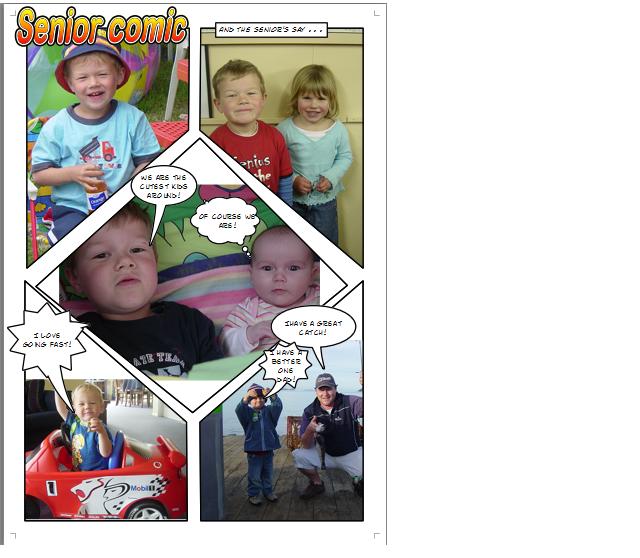
For those of you who were on our bus trip to Timaru last term, many of you will remember watching a fabulous ‘MAC’ programme called Comic Life being used in a couple of the classrooms at Bluestone. At the time we were told that this was just for the MAC platform – HOWEVER – I have just found out that there is indeed a version for PCs. It has a free 30 day trial and then is $24.95 for a license so a reasonable price. This is a great wee programme for various visual displays, and a great way to study a variety of uses of language while using your own photos.
Check out the PC free trial here. MAC free trial here.
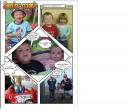
Here is a little sample of what I have done with some family photos.
(Click on the image to see it with detail)Here is an example of how North Lowburn School in North Canterbury are using Comic Life to reflect on their learning – a learning journal, reflective journal etc.
October25
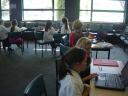
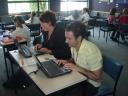 What a wonderful day! I have spent today in Dunedin facilitating
Scratch Workshops with some fabulous children from all around Otago. It was great to work with these creative kids (and teachers) to learn and discover aspects of this wonderful programme. The conference itself runs over 2 days and is a wonderful opportunity for Yr 5 & 6 children to experience new teachers, programmes and experiences. One neat quote from a girl this afternoon “I made a video and a friend!!”

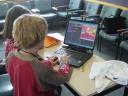 My workshops with the programme Scratch were an introduction to using Scratch to produce some animations. Scratch is a great free download (can be used on both platforms) and is relatively simple to use to create animations (and games). From a teachers point of view it comes with some great support material that can support class use. Check out the Scratch site here: http://scratch.mit.edu
Thanks to Iain Cook-Bonney who has kindly uploaded the Scratch animations from the first workshop today to the Scratch gallery. Check them out here: http://scratch.mit.edu/galleries/view/6835
I have uploaded some from this afternoon’s workshop and these can be viewed at http://scratch.mit.edu/galleries/view/6840
You may want to see what others have been up too also – Check out the blog, the podcasts and the website for the kids @ conference event.
North Otago and the AVRACS cluster were proudly represented by 3 children from each of Duntroon, Ardgowan and Waitaki Valley Schools, so I look forward to hearing of their highlights on their return.
October18
I have been a PC user for my entire ‘computerlife’. I did have one go with a MAC as I almost inherited one as a leased teacher laptop a few years ago, however breathed a sigh of relief as a new PC arrived in the school and was handed to me!!
I have felt sorry for Maheno staff all year as their PC facilitator arrives and needs to ‘play’ to explore the software (or hardware) first, or as they are sent links to download free software they find that many of them are for PC – so I suppose that this is a bit of a public apology for them. I will say that I do feel we have continued to be fruitful on my visits and that we have continued to move forward. Thanks to their wonderful junior teacher Anne who leads this and has become a real MAC convert.
I must say that I had a wonderful couple of sessions with kids and teachers in Kurow the other day at Waitaki Valley. We were looking to explore the programme ‘Garageband’ and achieved so much though ‘discovery learning’. It is wonderful how intuitive children are and how creative they can also be when they are given quite wide parameters. Anyway – I think that I have overcome my own personal MAC stigma (Phew!) and look forward to future MAC experiences!!
I still do enjoy this little South Park clip of PC vs MAC. If you know ANYTHING about MACs and PCs – then you have to watch this!
October12
For many years I have been a strong advocate of the uses of Intranets in classrooms. Initially when I was involved in setting one up (about 1999, 2000) the purpose was to share the successes of the children in your class. It took a while of development, but I did soon find that this was a little bit at cross purposes – what was the point in bringing parents into the classroom to view the intranet with a photo of their child’s art work on it, when they had walked past the art work on entering the room? The same could also be said for a child’s piece of writing – if the only reason is to ‘publish’ then the audience could be wider if it was on the wall, or accessed from the child’s book. I think that there is an opportunity for powerful learning though if a child’s piece of writing is put there to be used as an exemplar for others in the class to refer to.
In my last couple of years as a classroom teacher, I made my class intranet pages so that they supported the learning process, rather than celebrated a product. What I mean by this is that I would make a page of links for particular maths groups to direct them sites appropriate to their current focus, I would link on documents that they might need to access on which to use – eg graphic organisers, outlines of tasks etc. I would also outline particular tasks and the instructions. This way there was no excuse not to know what was expected, and all children in the class had the same access to all of the information, and connections. I often found that this was as good as having another adult in the room. Children were focussed on the task at hand, had access to all the resources that they needed, and had access to Internet links etc that supported their learning and the task. Focused and clear learning intentions and scaffolding.
Yesterday at Duntroon, I worked with Bev to plan out and create their Intranet. This is certainly a work in progress, however as teachers they have been using Front Page links on desktops to direct children to sites. This has worked successfully, however requires loading onto each computer once a page is changed/updated and can become cumbersome. By setting up intranet links, once any changes are made on the intranet, it is read on all computers like this. We will watch with much anticipation to see how these teachers develop their site, and their use of the Intranet.
October12
Maheno are in the process of having their library digitised for ease of use and manageability. Within their new system ‘AccessIt’ is the ability for library users to add their own review of a book. Anne (in the Junior room) is ensuring that on each library visit, the shared book is added to the ‘Reviewed booklist’ so that others within the school can see what classmates and school mates have to say about the books that they have read. A great way to utilise the programme that they have, promote reading and the sharing of texts, as well as promoting the material that is already in their library.
October12
My visit to Totara on Monday was a wonderful 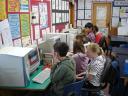 morning spent with the Year 6 students of the school. Janet (Principal and class teacher) was concerned that after their work with Front Page to create their Living Heritage website, there were actually only a couple of children in the class who were competent with the programme and that could transfer this use for another time. In order to have more purposeful practice I worked with this group of great kids at exploring the ways that we can hyperlink in a web page (ie using an image/picture, hotspot, or text) and the variety of reasons for why we might hyperlink (ie link to another page within our site, link to another site, link to a document . . .).
Within the school they have an intranet, however it isn’t actively used. I have now set up ‘practice’ pages for these keen and now competent children to continue to delve into the use of this, with the intention that this will drive the use and updating of the school Intranet. Janet and Shirley were very excited at seeing just how simple it is to create a link or series of links that can then direct children within classroom activities, easing the organisation (ie not having to type in URLs constantly) and manageability of children on the Internet (or intranet).
. . . Anyway these children are now experts in hyperlinks and intranet pages, and spent time in the morning writing instructions for the others in the class (The Year 7 & 8s who were away at Technology), trying out each others instructions and setting these instructions out so that they can be easily followed by anyone else. A great resource to have and now the Intranet can be driven by the enthusiasm and skills of the students, rather than expecting teachers to drive it and update it constantly.